Service businesses (OurHaven example)
A practical guide to running your finances without an accountant.
What Acctally does for OurHaven
OurHaven runs a service business:
- Customers pay for laundry, home cleaning, and meal plans
- Payments mostly come via Paystack
- Money flows through Paystack → bank, cash advances to riders, and daily operating expenses
- No in-house accountant
- Needs accrual-based accounting, tax awareness, and clean reports
Acctally replaces spreadsheets, guesswork, and manual bookkeeping.
It records every money movement, knows what the transaction means, applies tax logic automatically, produces reports (P&L, cash flow, tax summaries), and flags anything unclear for review.
First-time setup
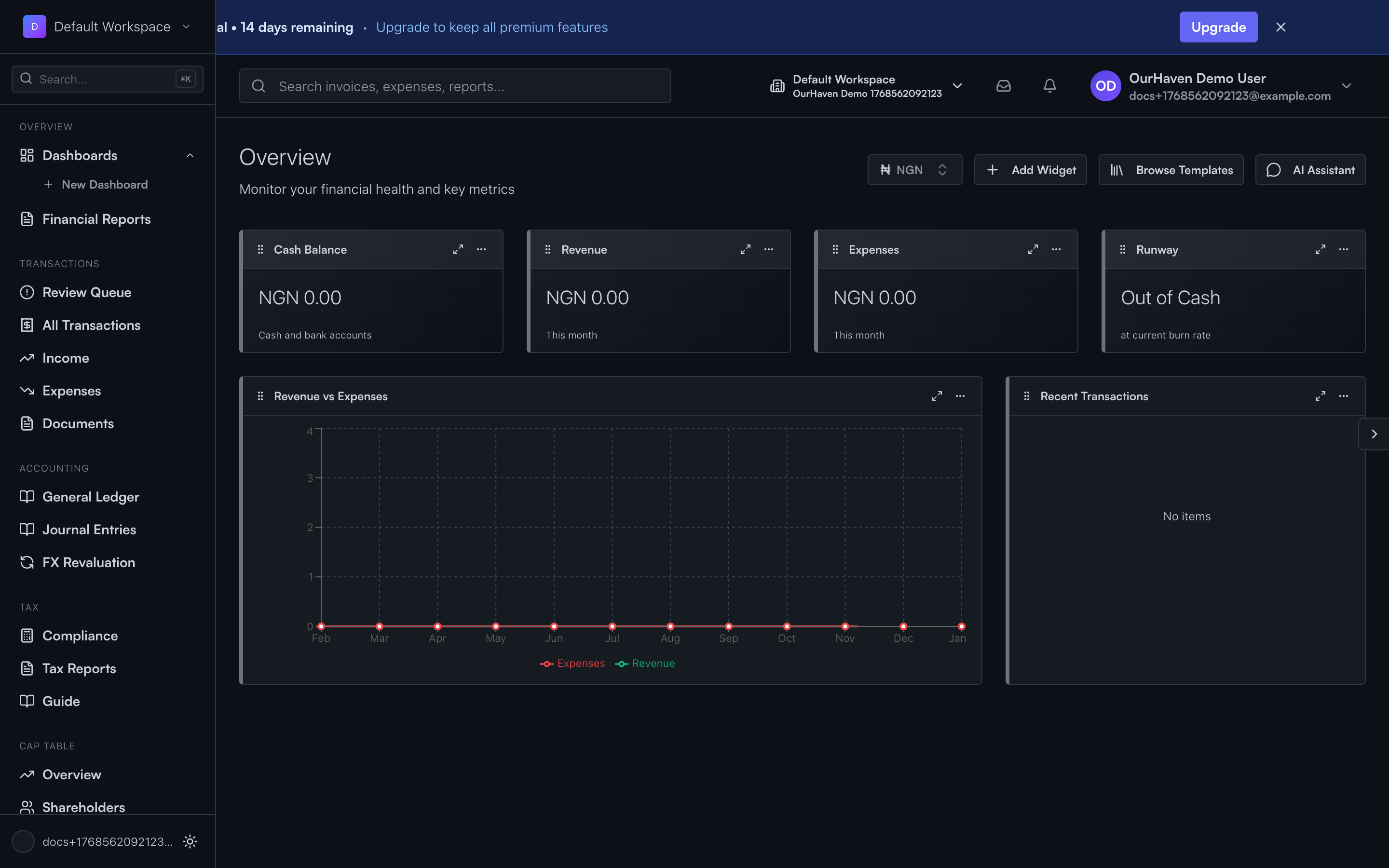
This is onboarding — not accounting work, just configuration.
Step 1: Business profile
OurHaven enters their legal name, country of operation, and industry (Consumer Services / Logistics). This helps Acctally choose default tax assumptions, apply correct reporting rules, and suggest sensible defaults.
Step 2: Tax profile
Even without an accountant, this must be done once. OurHaven answers simple questions:
- Are we VAT registered?
- Do we sell taxable services?
- Do we withhold tax on suppliers?
- Do we import services or goods?
Acctally uses this to decide when VAT applies, when WHT applies, and calculates tax automatically on transactions. They don't calculate tax manually — Acctally does.
Step 3: Money accounts
OurHaven sets up where money lives:
- Paystack Clearing Account
- Main Bank Account
- Cash Wallet (for riders / petty cash)
These are not expenses or income — they're just places where money sits.
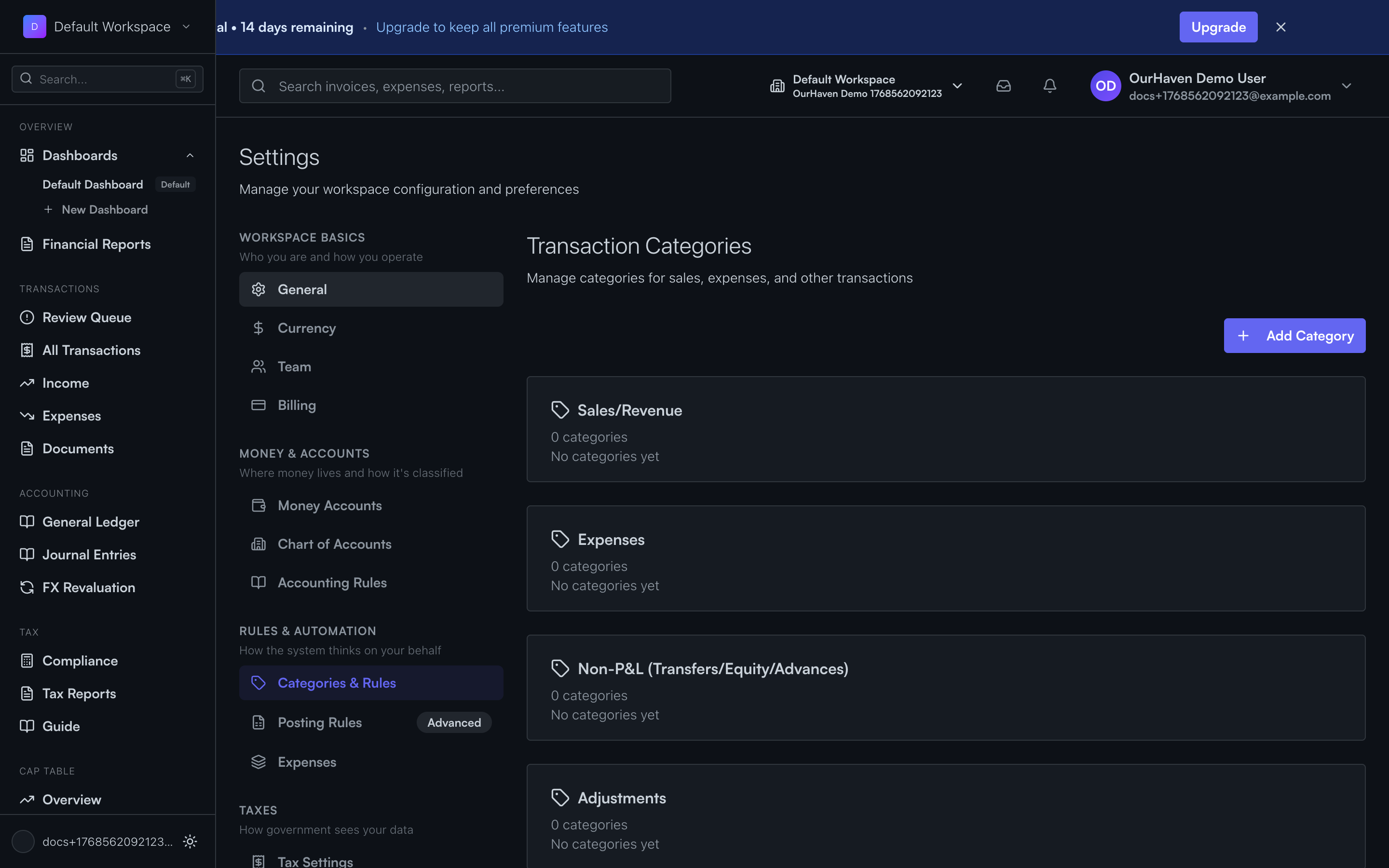
Step 4: Categories
Acctally provides default categories, which OurHaven can tweak:
Income
- Laundry Service Revenue
- Cleaning Service Revenue
- Meal Plan Subscriptions
Expenses
- Rider Fuel
- Laundry Operations
- Kitchen Ingredients
- Staff Salaries
- Provider Fees (Paystack)
Each category already knows whether it's income or expense, and whether tax usually applies. No GL accounts are exposed to the user.
How money enters Acctally
There are three ways money gets into the system:
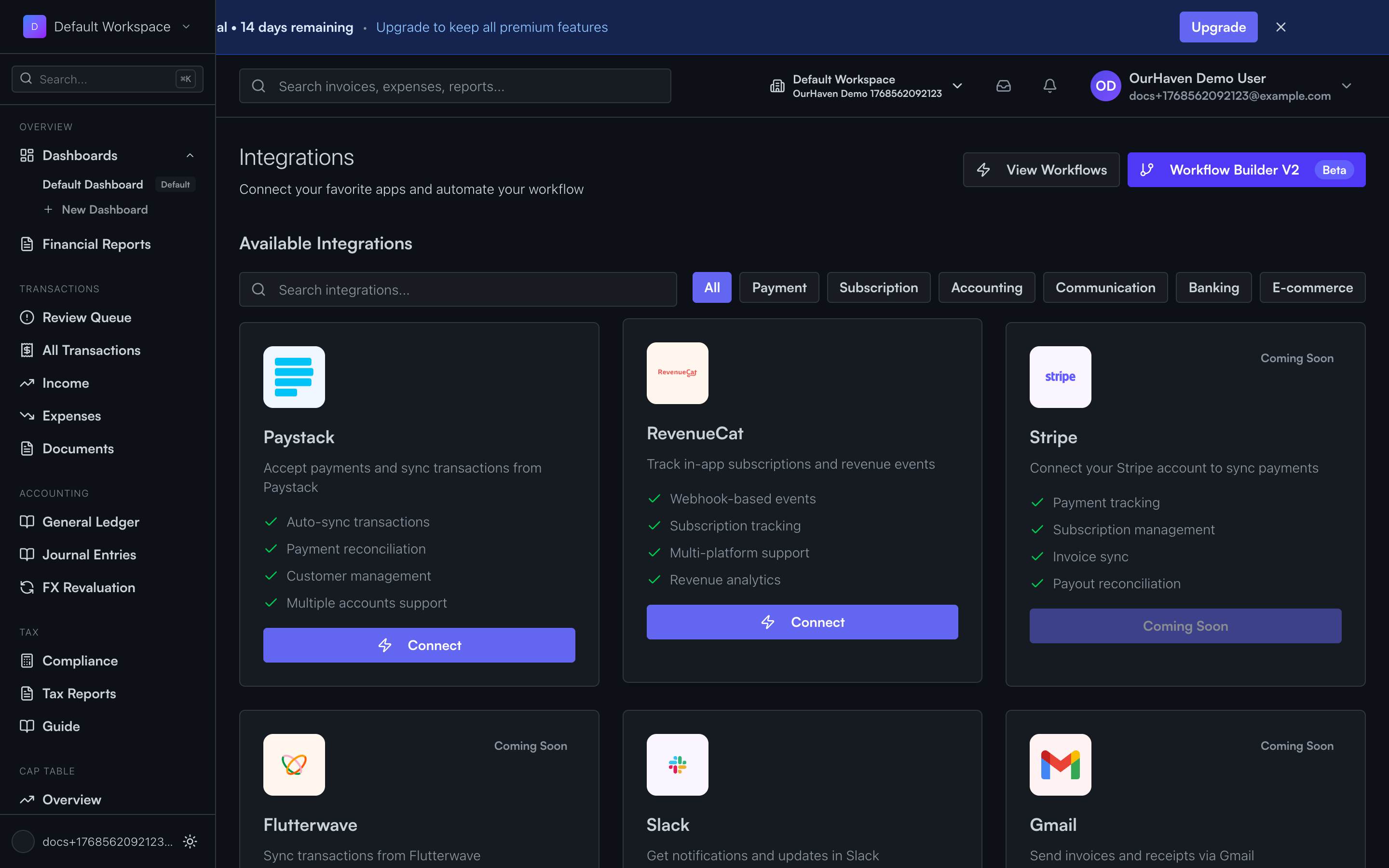
Automatic Paystack integration (most common)
When a customer pays via Paystack, Acctally records the customer payment received, amount, currency, payment provider, and clearing account (Paystack).
At this stage, revenue is recognized but money is not yet in the bank. Provider fees are estimated or added later.
Acctally automatically applies VAT (if applicable), marks the transaction as posted, or flags it for review if something is unclear.
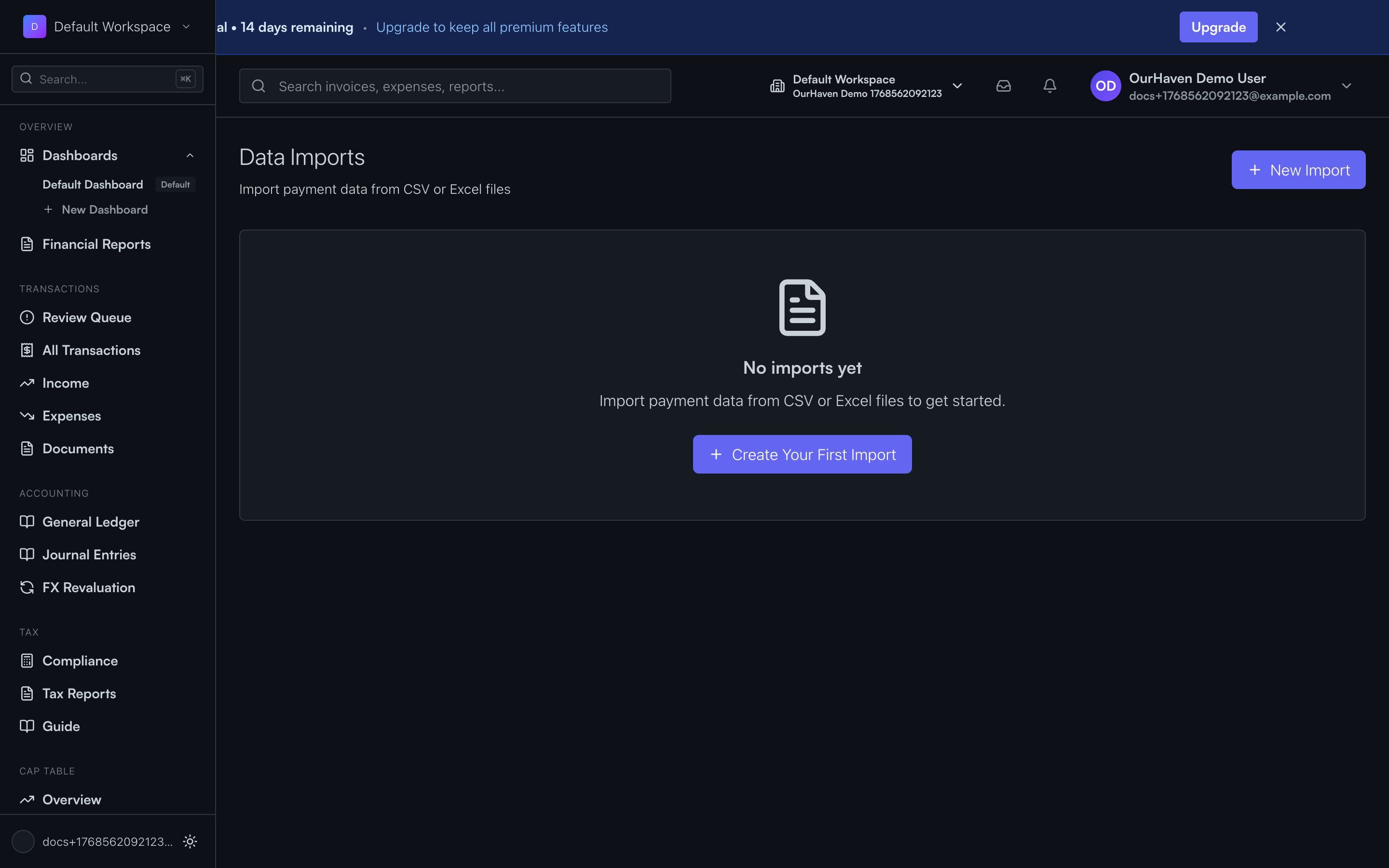
Import (CSV / statements)
Used when migrating old data, uploading bank statements, or uploading Paystack payout reports.
Imported transactions are parsed, classified if obvious, otherwise sent to the Review Queue. Nothing breaks if data is incomplete — Acctally expects this.
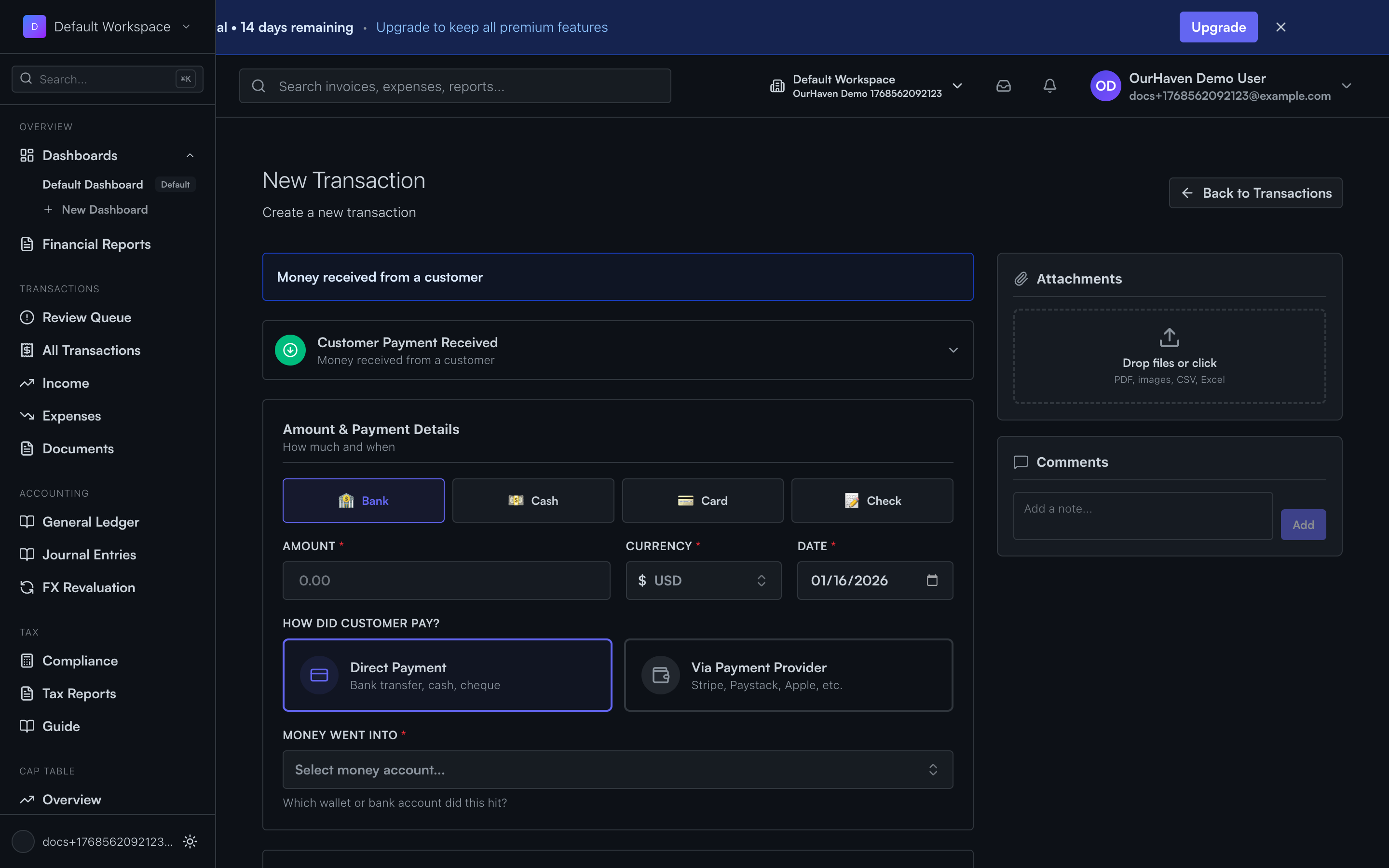
Manual entry (fallback)
Used for cash given to riders, one-off expenses, or corrections.
User selects transaction type (income, expense, transfer), amount, money account, category, and optional notes. Acctally handles the accounting logic.
The Review Queue
The Review Queue is intentional, not an error state. It shows transactions Acctally cannot safely classify on its own.
Examples of what lands here:
- Imported bank transactions with vague descriptions
- Cash expenses without a category
- Payments without a money account
- Transfers missing one side
What OurHaven does here:
- Assign category
- Confirm counterparty (customer or supplier)
- Fix amount or direction
- Approve
Once approved, Acctally posts the transaction. It disappears from the Review Queue and shows up in reports.
Expenses OurHaven commonly records
Rider fuel
Expense · Category: Rider Fuel · Paid from: Cash or Bank · VAT: Usually no
Laundry operations
Expense · Category: Laundry Operations · VAT: Sometimes
Kitchen shopping
Expense · Category: Ingredients · VAT: Yes (if applicable)
Salaries
Expense · Category: Salaries · No VAT · Often recurring
Acctally learns patterns over time.
Provider payouts (Paystack → Bank)
When Paystack sends money to the bank, Acctally records a transfer from clearing → bank, along with provider fees (if not already recorded).
No new revenue is created (it was already recognized earlier). This keeps cash flow accurate and revenue not double-counted.
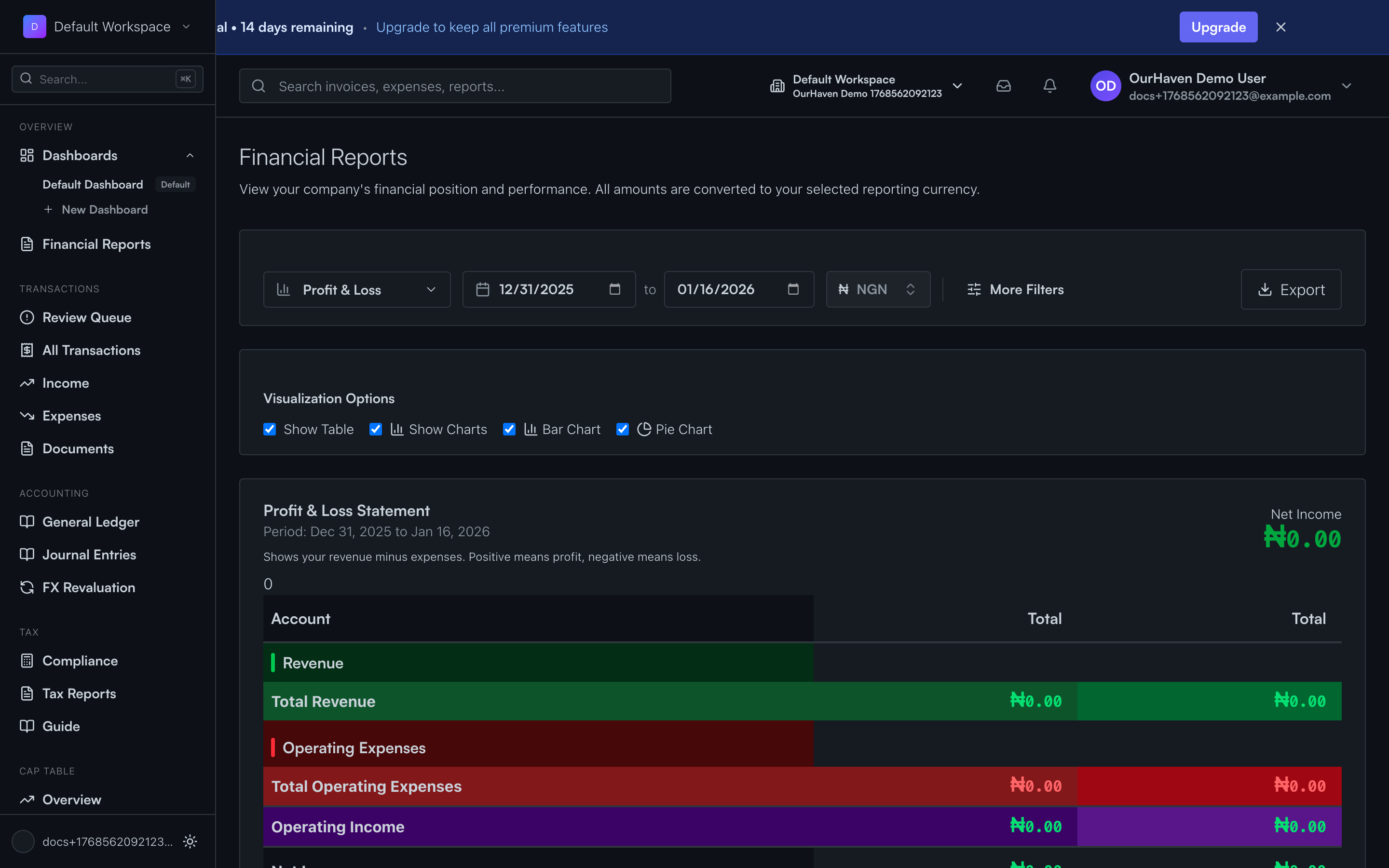
Reports OurHaven gets
Profit & Loss
Revenue by service, expenses by category, net profit
Cash Flow
Money in vs out, clearing vs bank vs cash
Tax summary
VAT collected, VAT paid, withholding obligations
Review summary
Outstanding items needing attention
All generated automatically.
What OurHaven does NOT need to think about
- ✕ GL accounts
- ✕ Journal entries
- ✕ Debit / credit logic
- ✕ Manual tax math
- ✕ Accrual rules
Acctally handles those internally.
How Acctally fits OurHaven right now
- ✓ Accrual accounting
- ✓ Tax-aware (VAT, WHT automatic)
- ✓ No accountant required
- ✓ Clear upgrade path later
When they hire an accountant, the accountant reviews — not rebuilds. Data is already clean.